


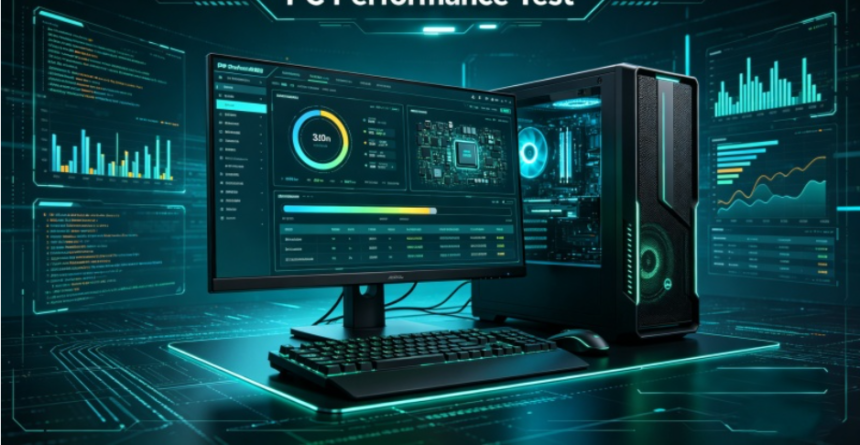
Understanding how a computer performs under pressure can help users identify potential problems before they become serious. A PC may work normally during everyday tasks but behave differently when running demanding games, applications, or multitasking workloads. Similarly, users who play competitive games may want to understand how quickly they can respond to visual or audio cues. Two useful ways to evaluate these areas are a stress test PC approach and a reaction time test.
Why Stress Test a PC?
A PC stress test places a heavy workload on one or more hardware components for a specific period. This can help users observe how their system behaves when the processor, graphics card, memory, or other components are working harder than usual.
A stress test PC process is particularly useful after building a new computer, upgrading hardware, or troubleshooting crashes and unexpected shutdowns. If a system becomes unstable only under heavy workloads, stress testing can help narrow down the potential cause.
During a stress test, users should monitor temperatures and system behavior. Modern processors and graphics cards are designed to protect themselves when temperatures become excessive, but consistently high temperatures may indicate inadequate cooling, dust buildup, poor airflow, or an improperly installed cooler.
Stress testing should also be performed responsibly. Users should close unnecessary applications, monitor temperatures, and stop the test if the system becomes excessively hot or unstable.
What Can a PC Stress Test Reveal?
Different stress tests focus on different components. A CPU test can place sustained workloads on the processor, while a GPU test can challenge the graphics card. Memory tests can help identify certain stability problems, and combined tests can evaluate how multiple components behave at the same time.
Stress testing can be useful for checking whether a newly installed component is stable. For example, after upgrading a CPU cooler, users may run a controlled workload and monitor temperatures to determine whether the cooling solution is performing as expected.
It is important to remember that a stress test is not the same as normal computer use. Some tests intentionally create workloads that are more demanding than typical gaming or productivity tasks. Results should therefore be interpreted alongside normal usage and hardware specifications.
Understanding a Reaction Time Test
A reaction time test measures how quickly a person responds to a visual or other stimulus. In a typical online test, a user waits for a signal and then presses a key or clicks as quickly as possible. The time between the stimulus and response is recorded, usually in milliseconds.
Reaction time can be relevant to competitive gaming, particularly in games where players need to respond quickly to opponents, changing environments, or sudden events. However, reaction time is influenced by many factors, including concentration, fatigue, familiarity with the test, input devices, display latency, and network conditions.
Because of these variables, one test result should not be treated as a complete measurement of someone’s gaming ability. Repeating the test under similar conditions can provide a more useful personal baseline.
PC Performance and Human Response
Computer performance and human reaction speed are different things, but they can affect the overall gaming experience together. A high-performance PC can produce smooth visuals, while a responsive keyboard, mouse, and display can help reduce input delays.
For example, a gamer may have excellent personal reaction time but still experience delays caused by hardware or software issues. Conversely, a highly responsive computer cannot improve a user’s natural reaction speed.
This is why evaluating both areas can be useful. A stress test PC routine can help verify system stability, while a reaction time test can help users understand their own response performance.
Build a More Reliable Gaming Setup
Regular PC testing can provide useful information about system stability and responsiveness. Stress testing can help identify potential hardware or cooling issues, while reaction testing can establish a baseline for personal response speed.
Users should approach both tests realistically. A stress test should be performed with appropriate temperature monitoring, and reaction-time results should be compared across multiple attempts rather than relying on a single score.
By combining hardware testing with practical performance checks, users can better understand their computers and gaming setups. Whether troubleshooting a newly upgraded PC or practicing for competitive gaming, these tests provide simple ways to evaluate different parts of the overall experience.